Ten original templates
Technical, editorial, visual, spatial, analytical, and cinematic starting points.
Free local portfolio builder
Choose an original template, add the work that matters, check every screen, and download a real portfolio website. No account required.
Finished output first
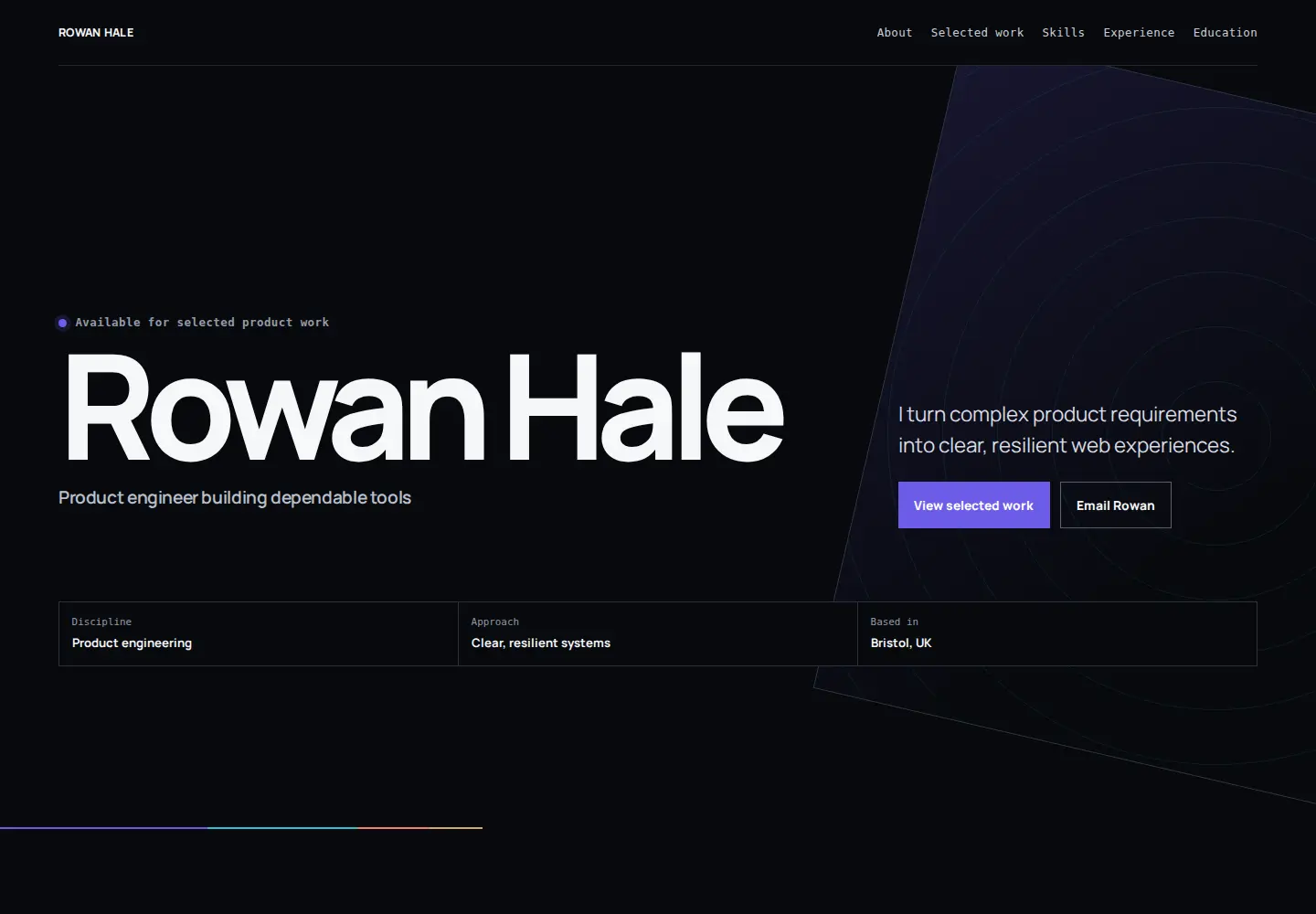
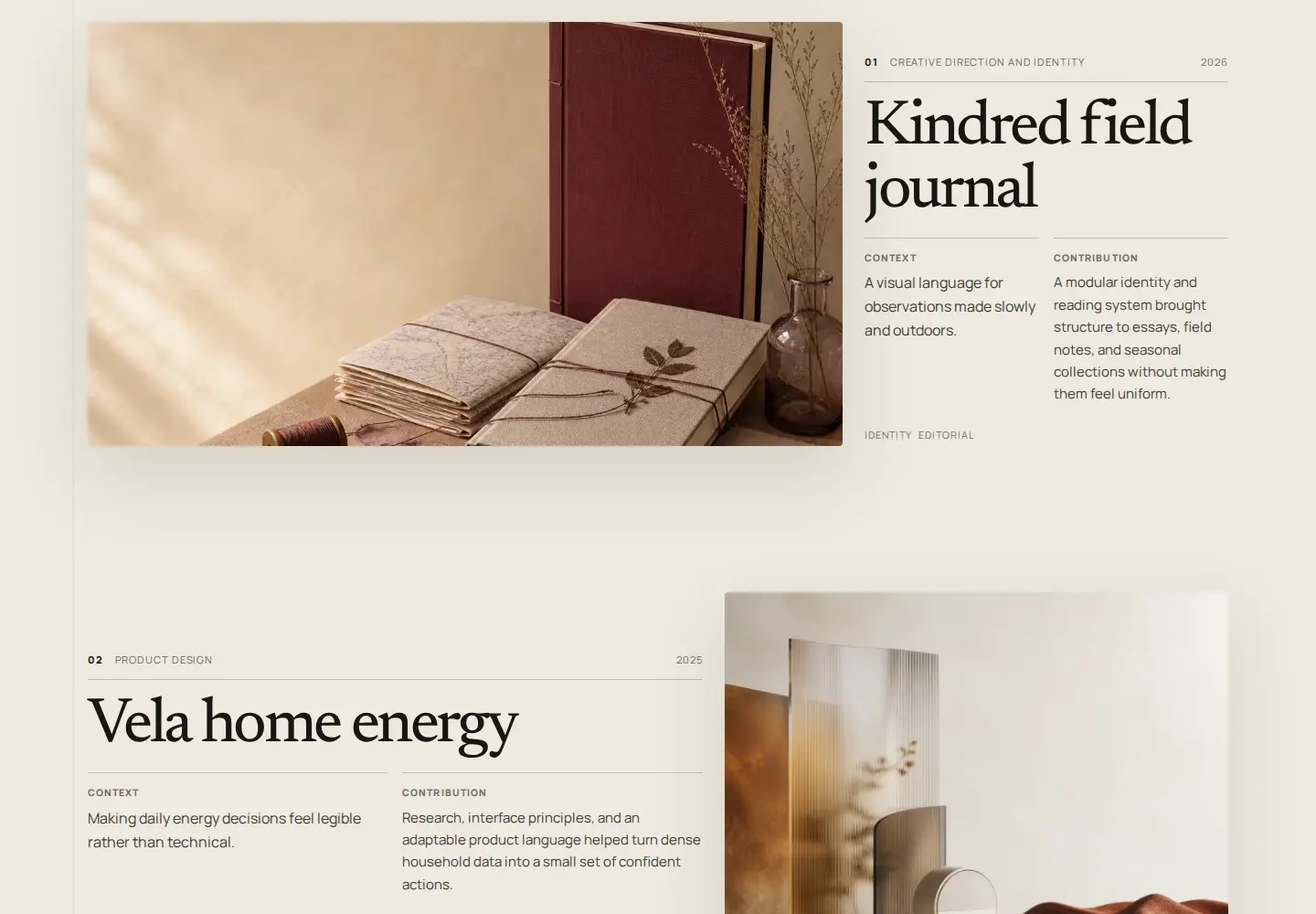
A portfolio should make the substance of a project easier to understand. The output stays visually dominant while the template keeps context and contribution close.
Open the live previewA complete local studio
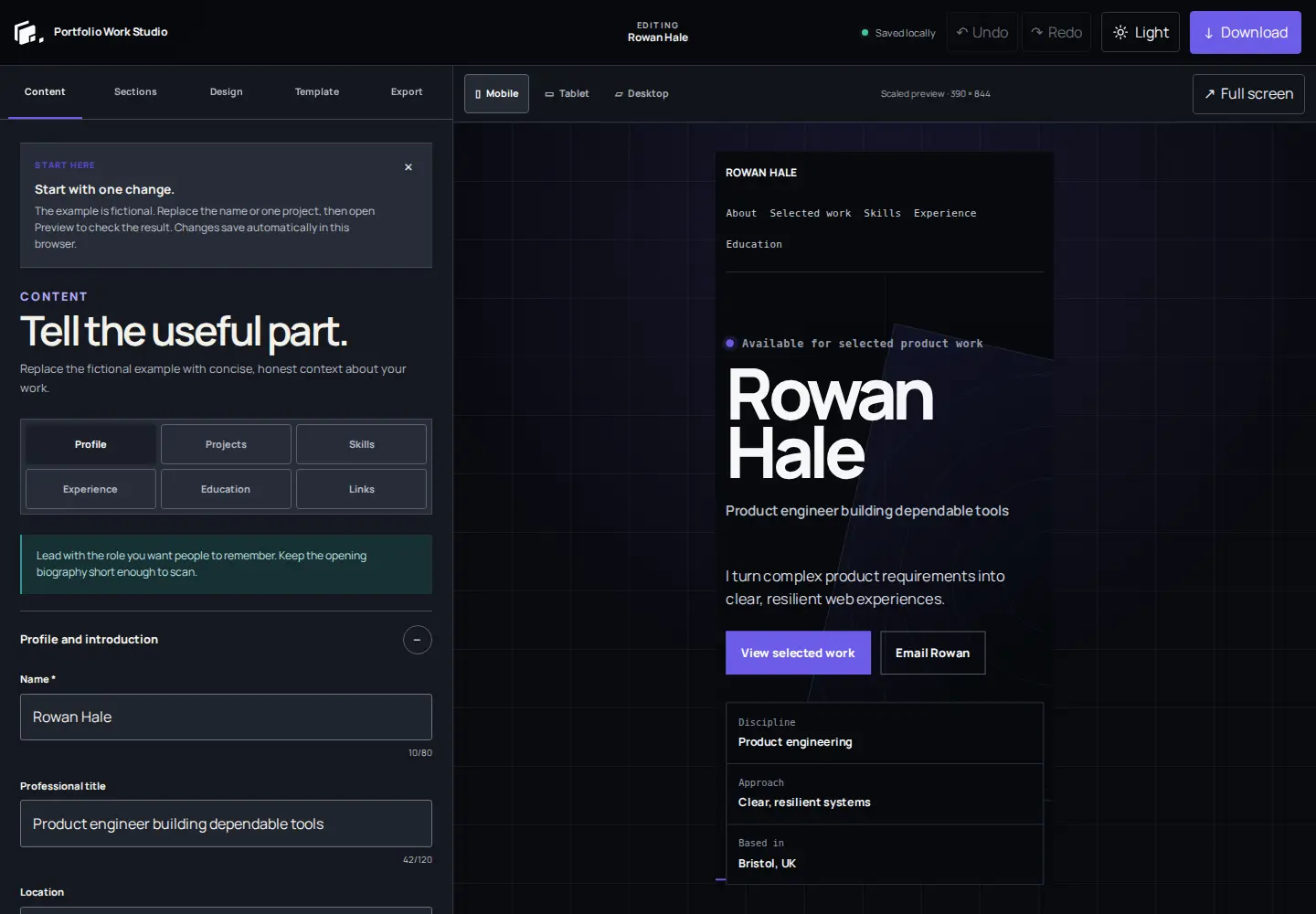
The current release connects a strong starting point, guided editing, safe local storage, responsive review, and portable files.
Technical, editorial, visual, spatial, analytical, and cinematic starting points.
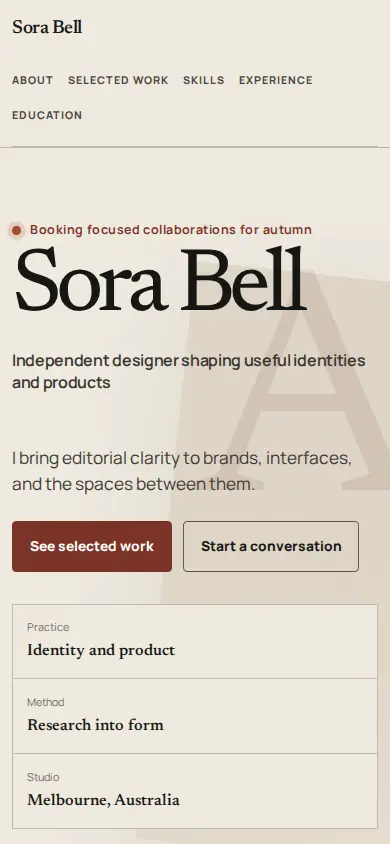
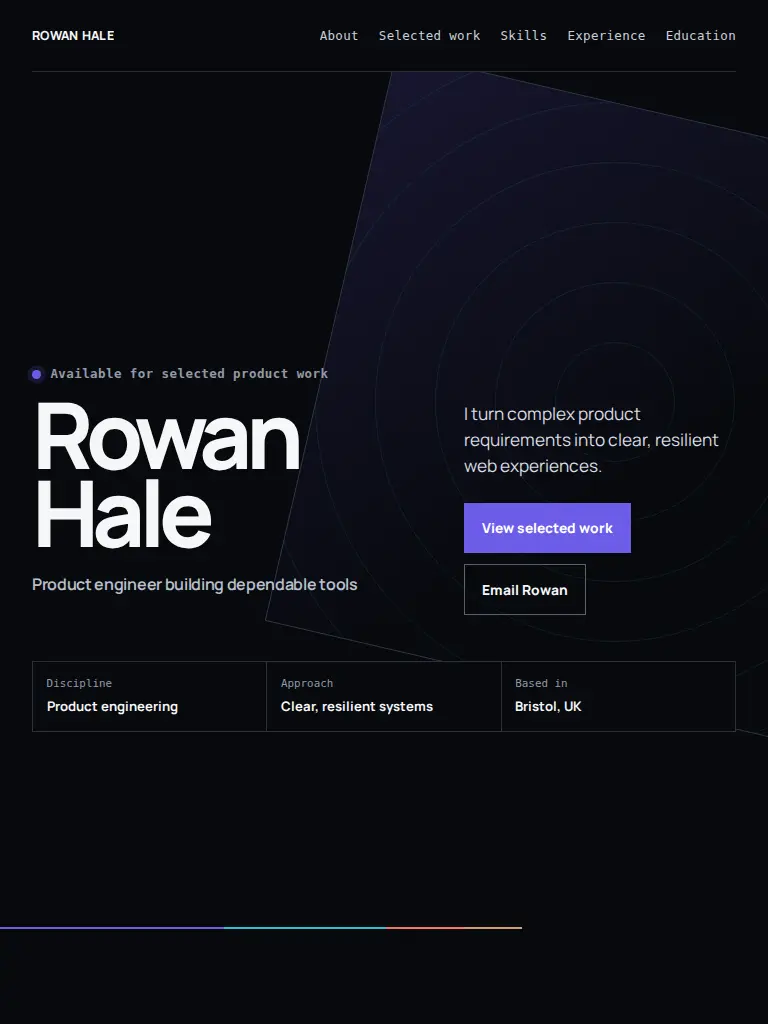
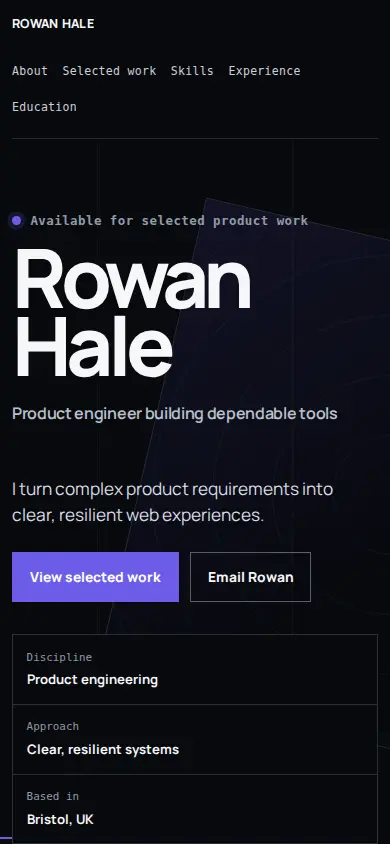
Review the same validated document at Mobile, Tablet, and Desktop widths.
Valid changes and processed media stay in this browser with visible save status.
Keep a separate editing copy outside browser storage and restore it later.
Download semantic HTML, CSS, local assets, fonts, and a practical README.
Open the builder and begin without email, authentication, or a hosted workspace.
Add a portfolio header logo and a separate browser-tab favicon, processed locally.
Semantic sections, keyboard navigation, visible focus, and reduced-motion support.
Find the useful emphasis
Recommendations come from the published template registry. Swipe on touch, use the arrow buttons, or move through the rail with the keyboard.
10 practical starting points
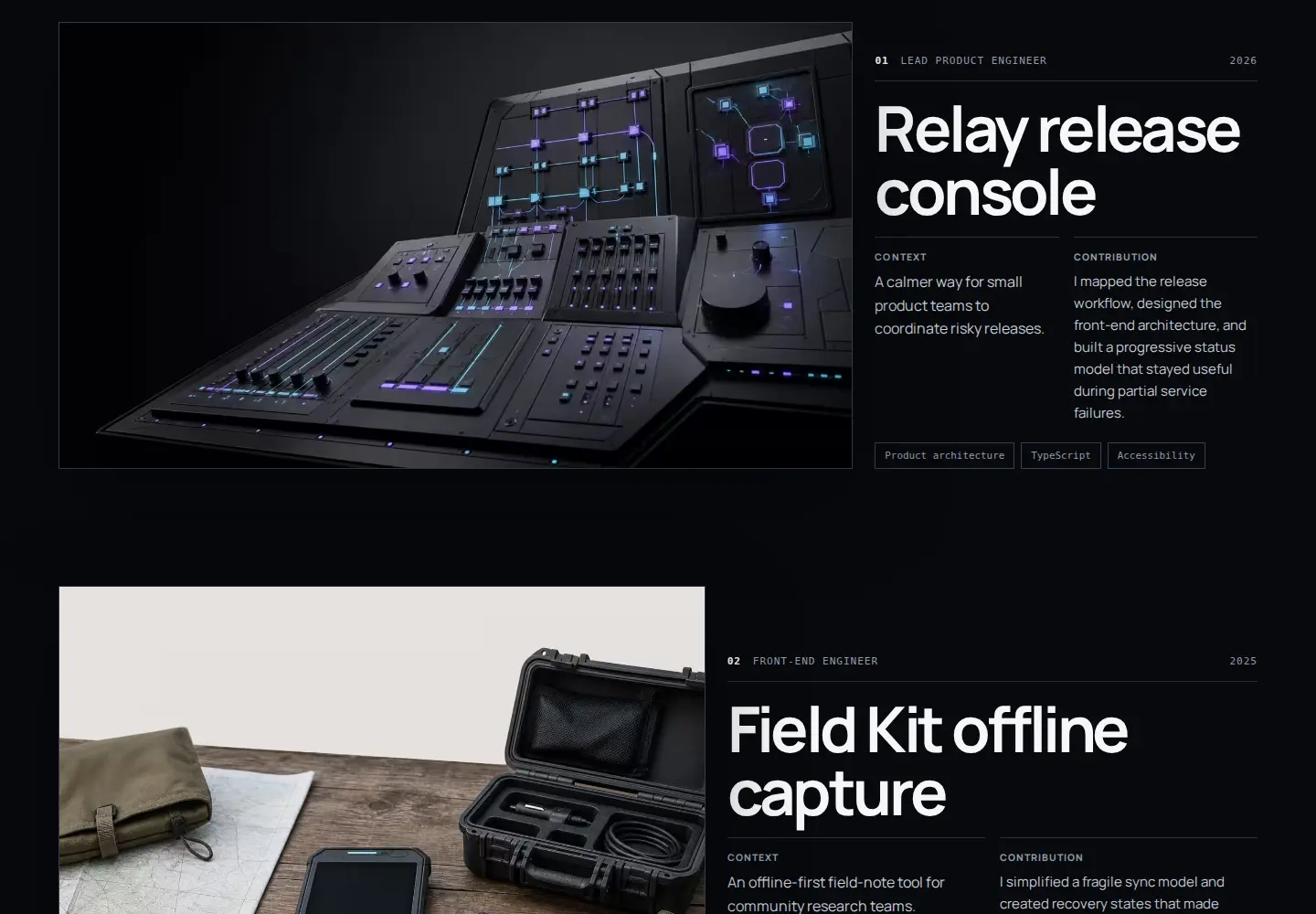
01 Developers
Explain the system, the decision you owned, and why the result matters.
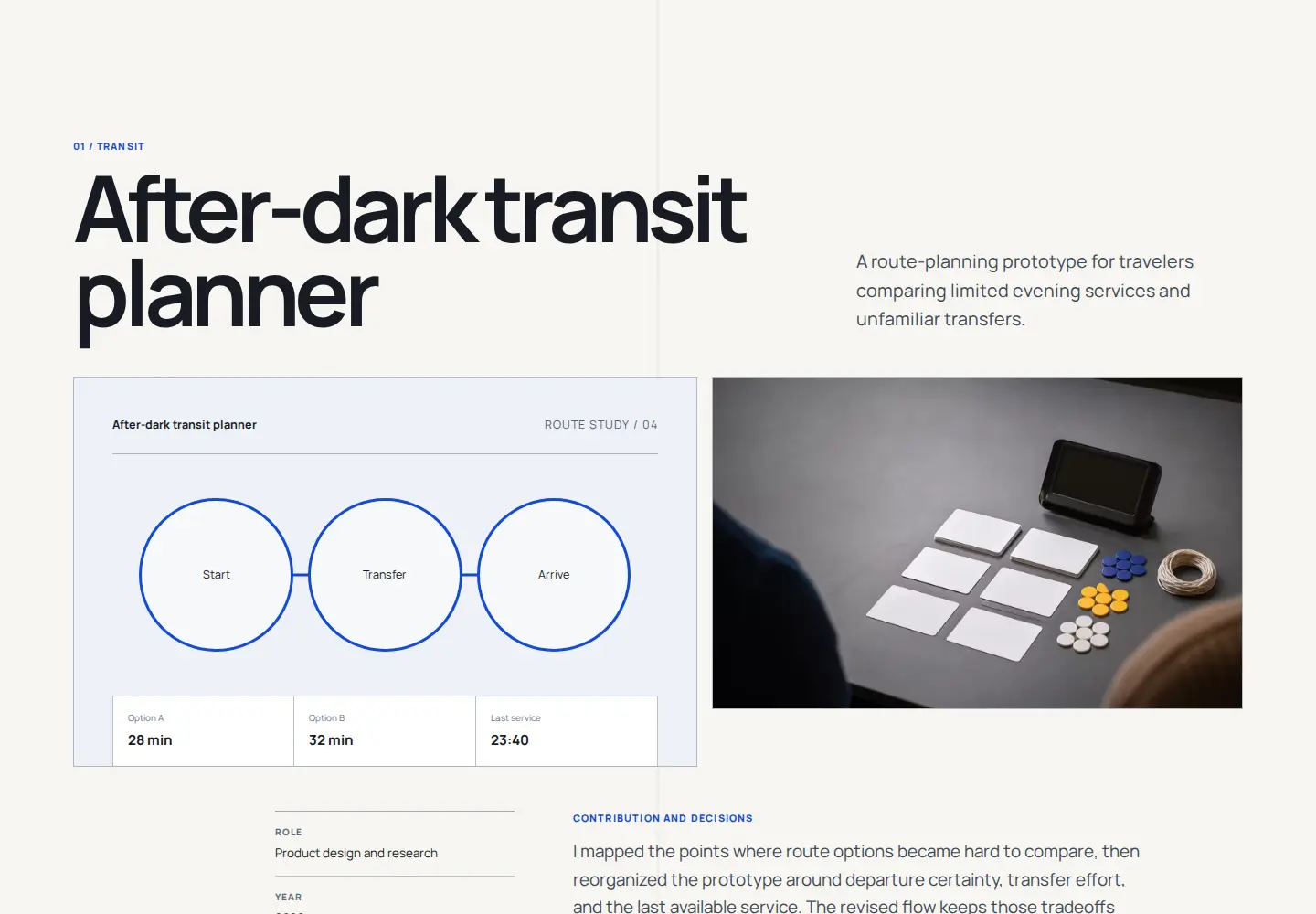
02 Product / UX
Keep the problem, evidence, contribution, and interface work in one case-study path.
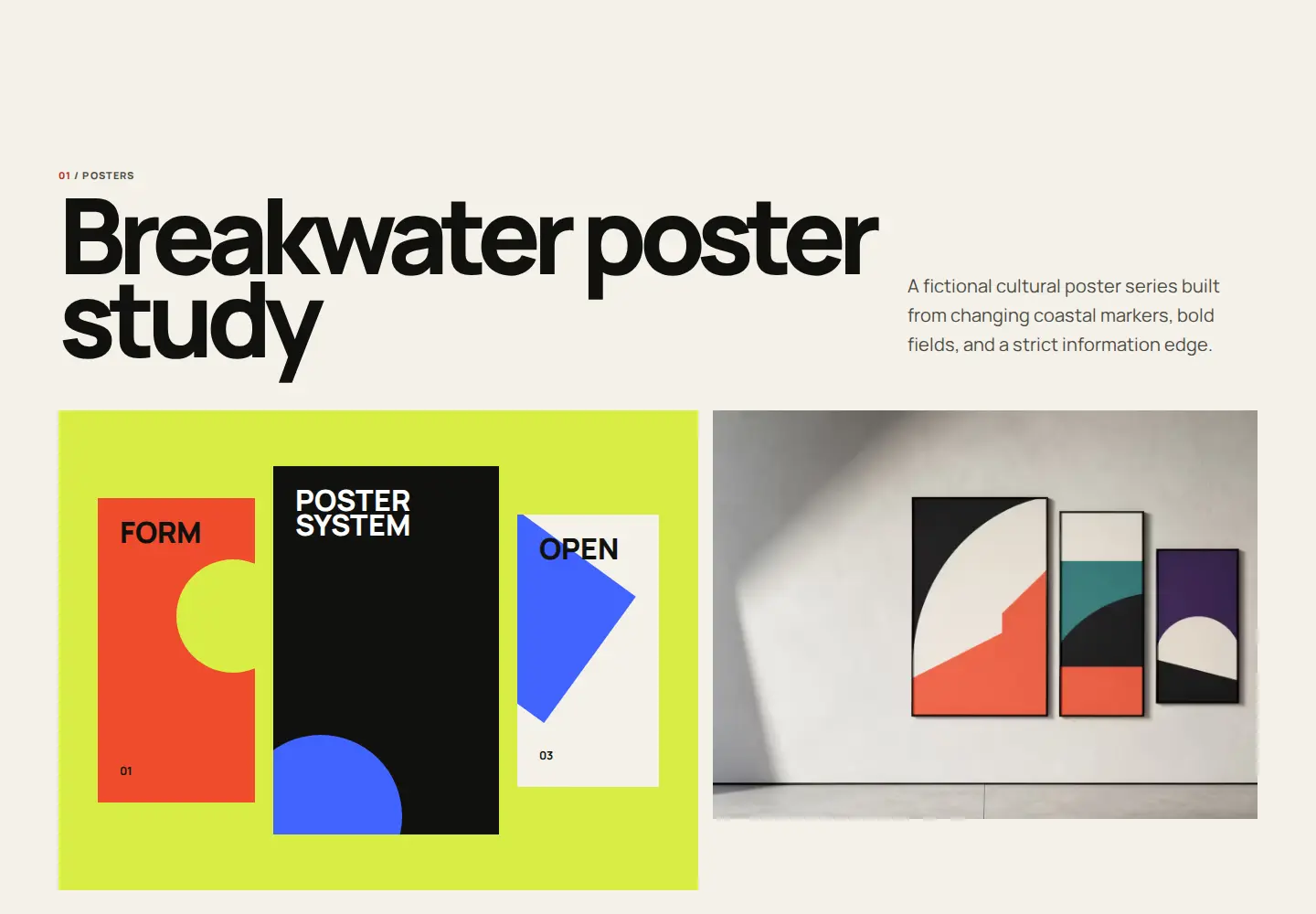
03 Graphic / Brand
Give identity systems, campaigns, type, and art direction enough visual scale.
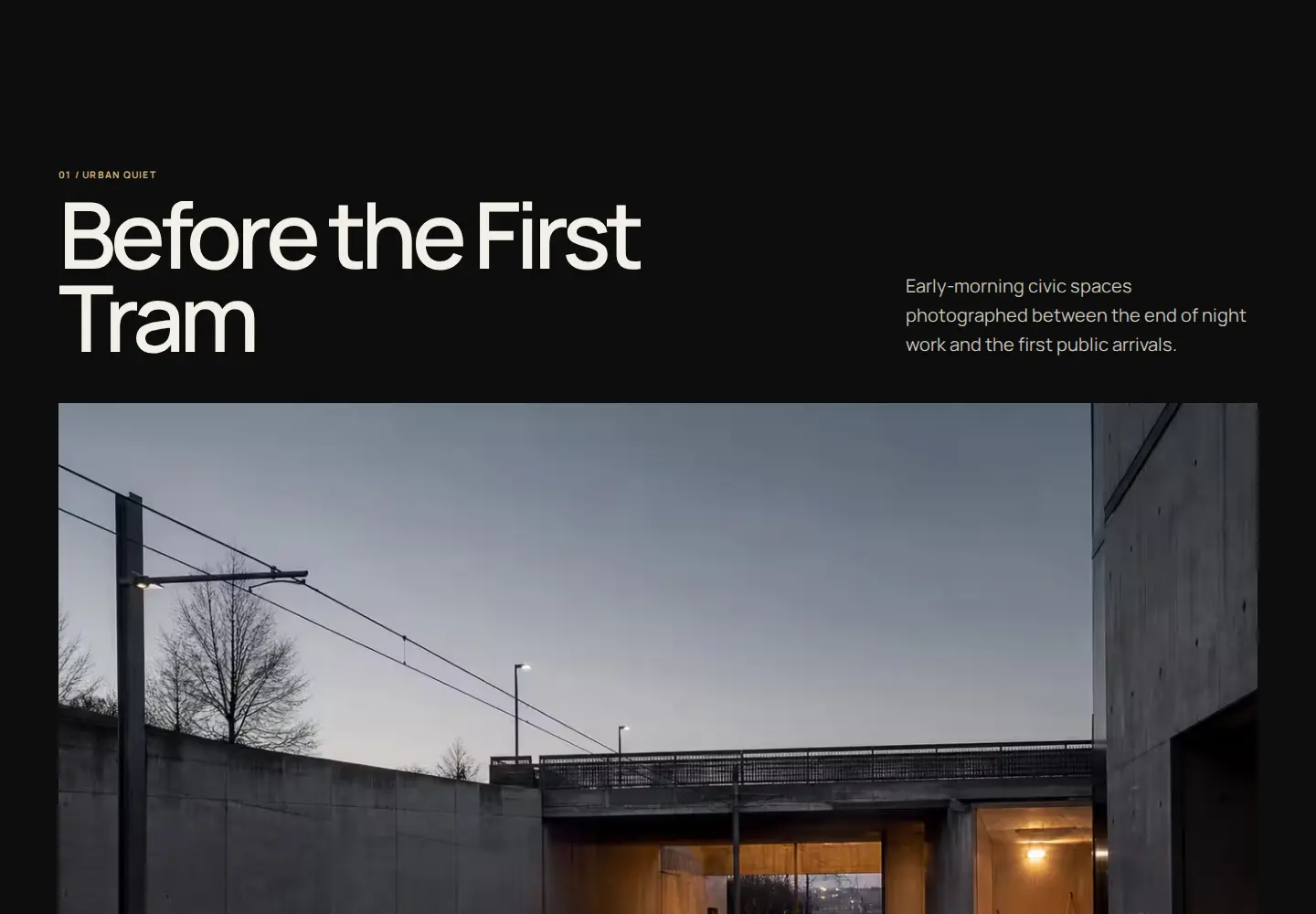
04 Photography
Sequence coherent collections with quiet captions and useful context.
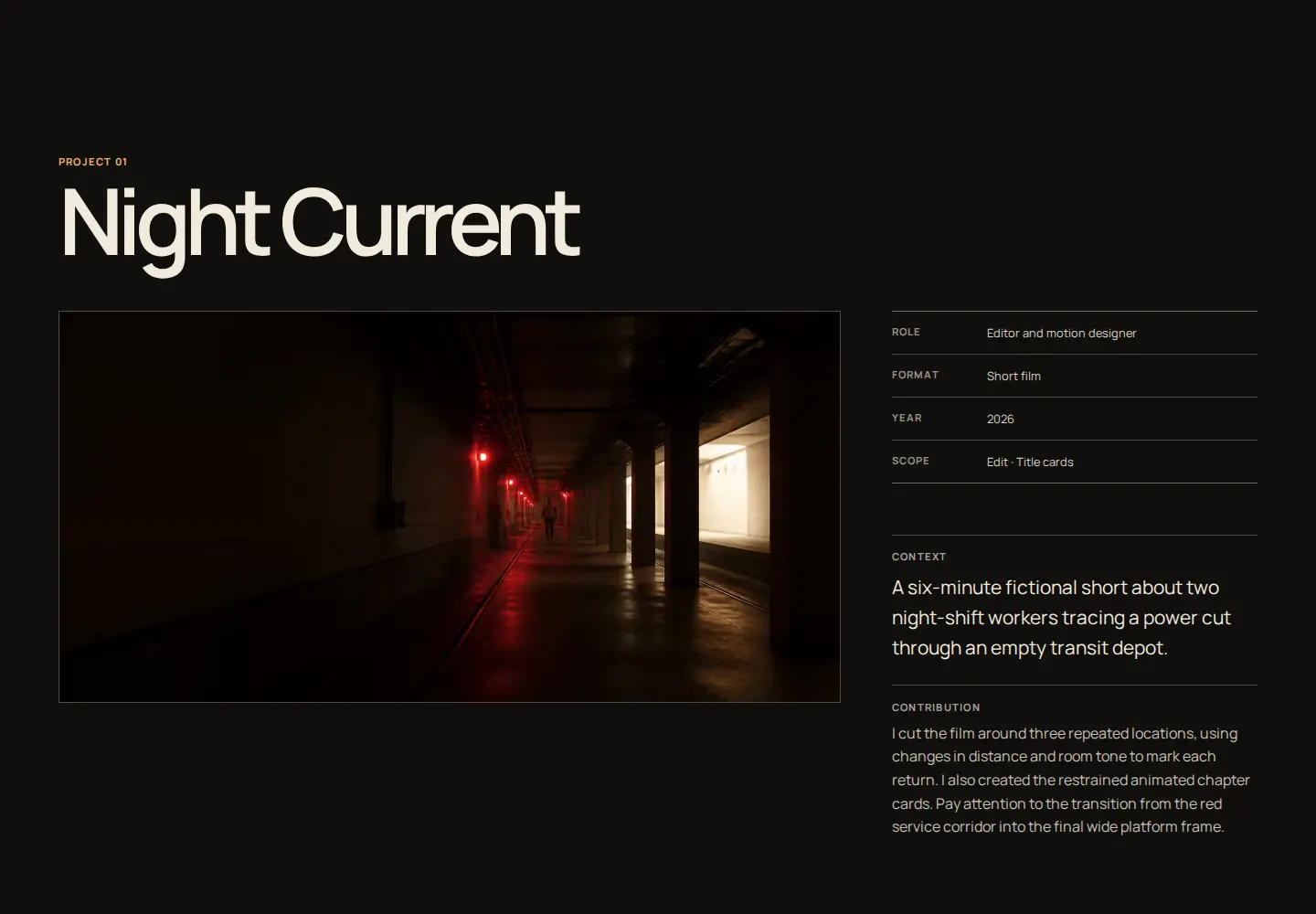
05 Film / Motion / 3D
Pair every frame with role, contribution, credits, and a clear place to watch.
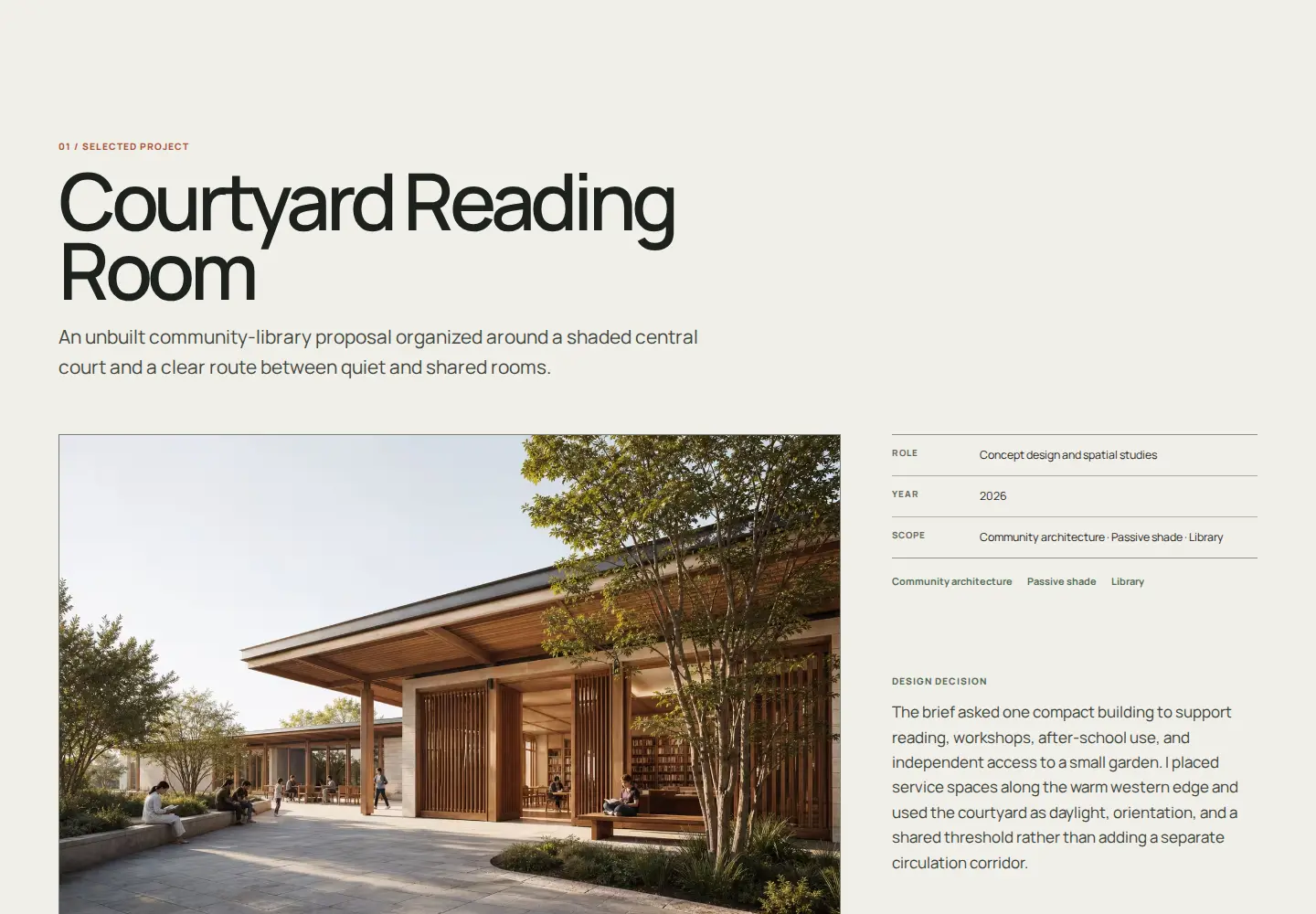
06 Architecture / Spatial
Keep plans, materials, scope, and design decisions attached to each project.
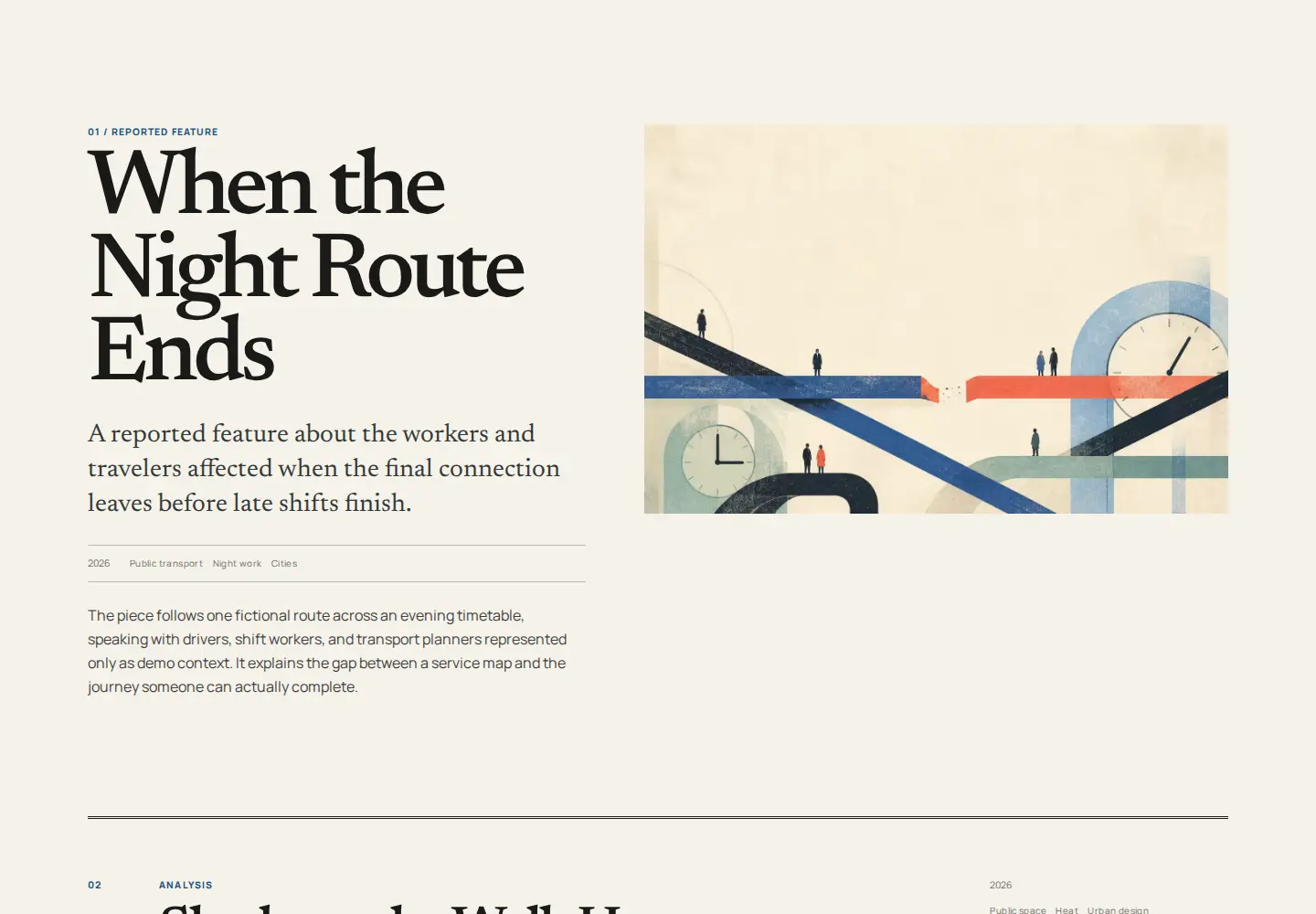
07 Writing / Editorial
Lead with the headline, subject, form, contribution, and enough context to judge the work.
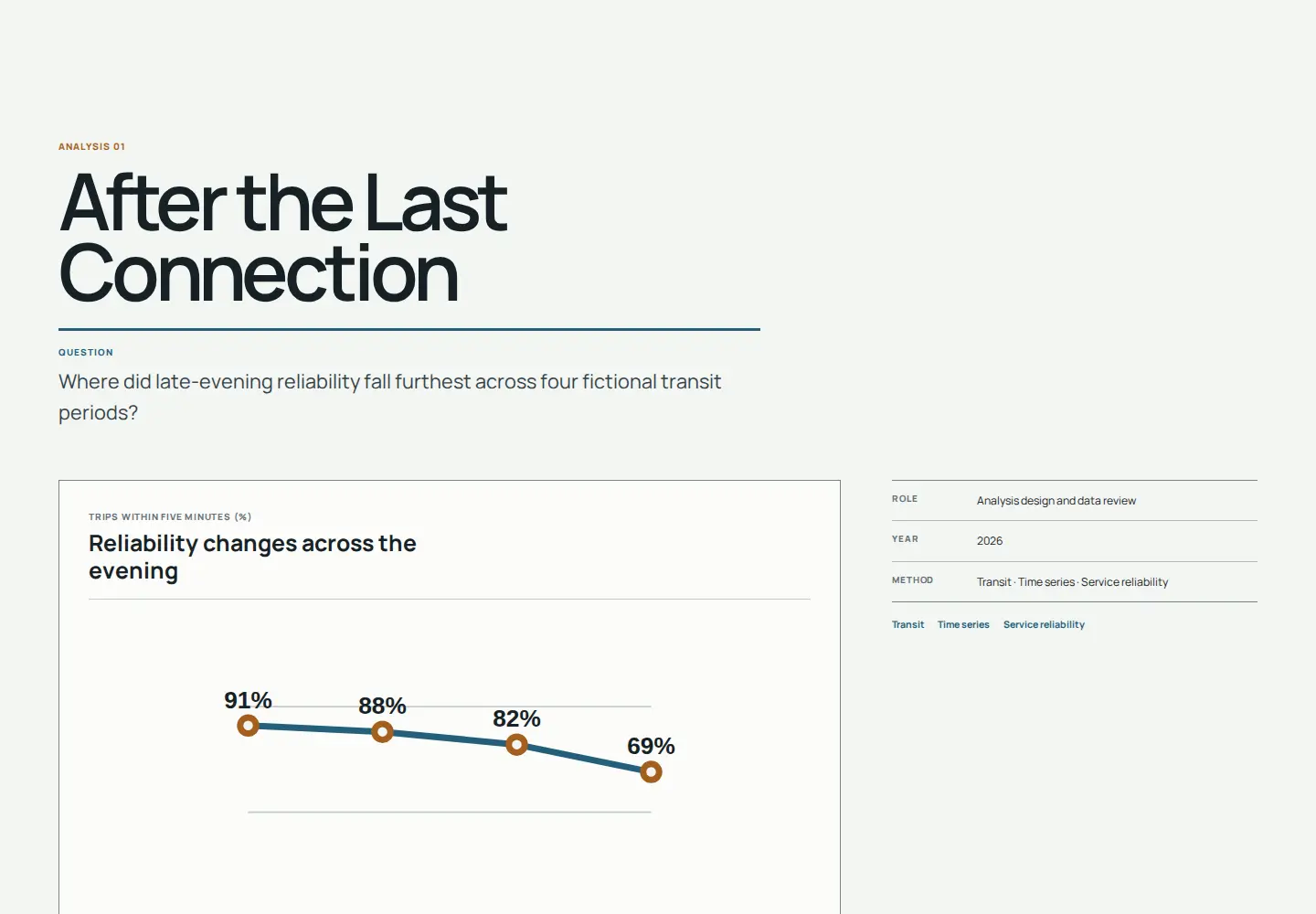
08 Data / Research
Show the question, method, finding, and practical meaning—not a decorative dashboard.
09 Students
Connect course, volunteer, and independent work into a credible beginning.
10 General professionals
Balance selected proof with experience, education, and a direct next action.
One validated document
The device views show the same portfolio output. Tablet remains present, labels stay attached, and every frame has a bounded place in the composition.
Guidance at the point of work
The builder keeps the content model clear without asking you to design a page from scratch.
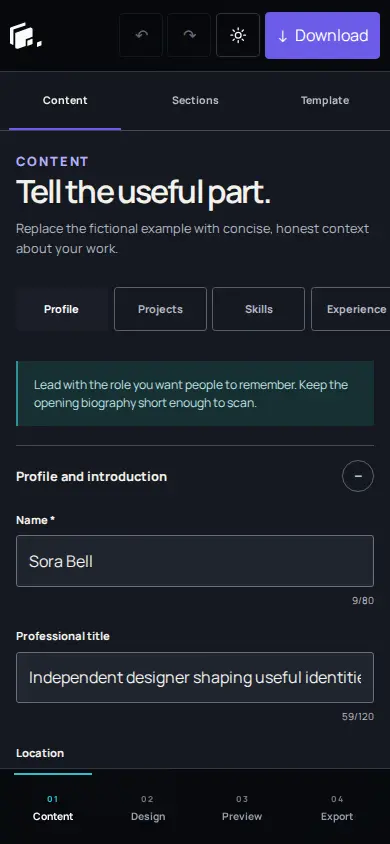
A real mobile workspace
Content, Design, Preview, and Export have distinct reachable workspaces. The interface does not squeeze a desktop editor into a narrow screen.
A collection, not one repeated card
These examples show the range. The full catalog keeps all ten identities, professions, presentation styles, details, and live previews together.
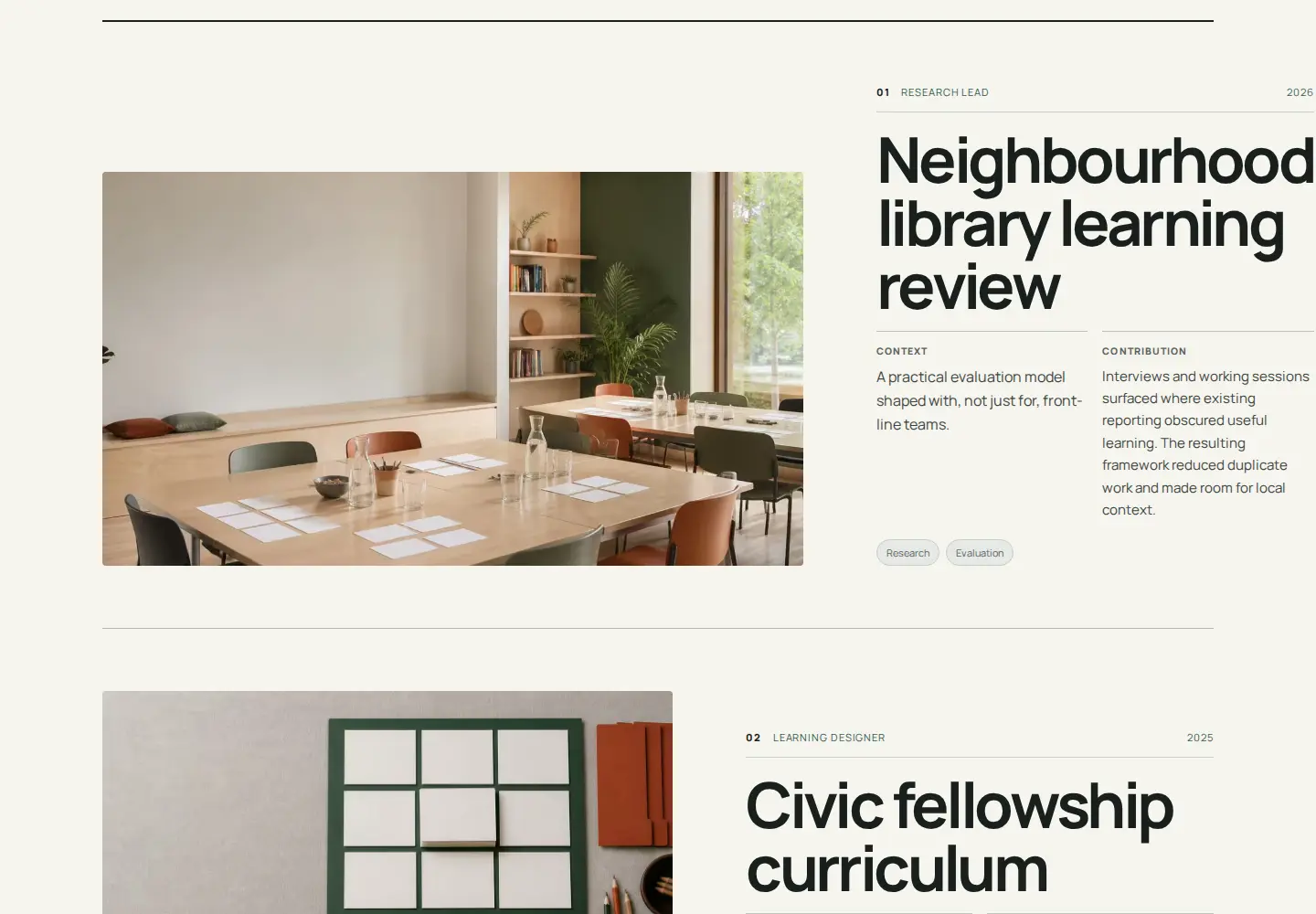
01 / Technical editorial
Make systems, decisions, and product outcomes easy to follow.
02 / Product case study
Show the problem, your contribution, the decisions, and what changed.
03 / Photography collections
Sequence bodies of photography with image scale, quiet captions, and room between series.
04 / Architecture and spatial
Connect each space to its scope, drawings, materials, and design decisions.
05 / Motion / Video
Pair each frame with the role, contribution, format, year, and place to watch the work.
Local-first by design
No account is required. Text and supported media are processed and stored in this browser in the current release.
rowan-hale-portfolio/
index.html
assets/portfolio.css
assets/images/
assets/fonts/
README.txt
Ordinary static files
Portable by default
The ZIP contains script-free portfolio output, local assets, and publishing notes. It needs no application server or Portfolio Work Studio runtime.
Hosted publishing and custom-domain management are not included today.
Read the export stepsA short path to a finished site
The builder keeps the technical work contained so you can concentrate on evidence, wording, and review.
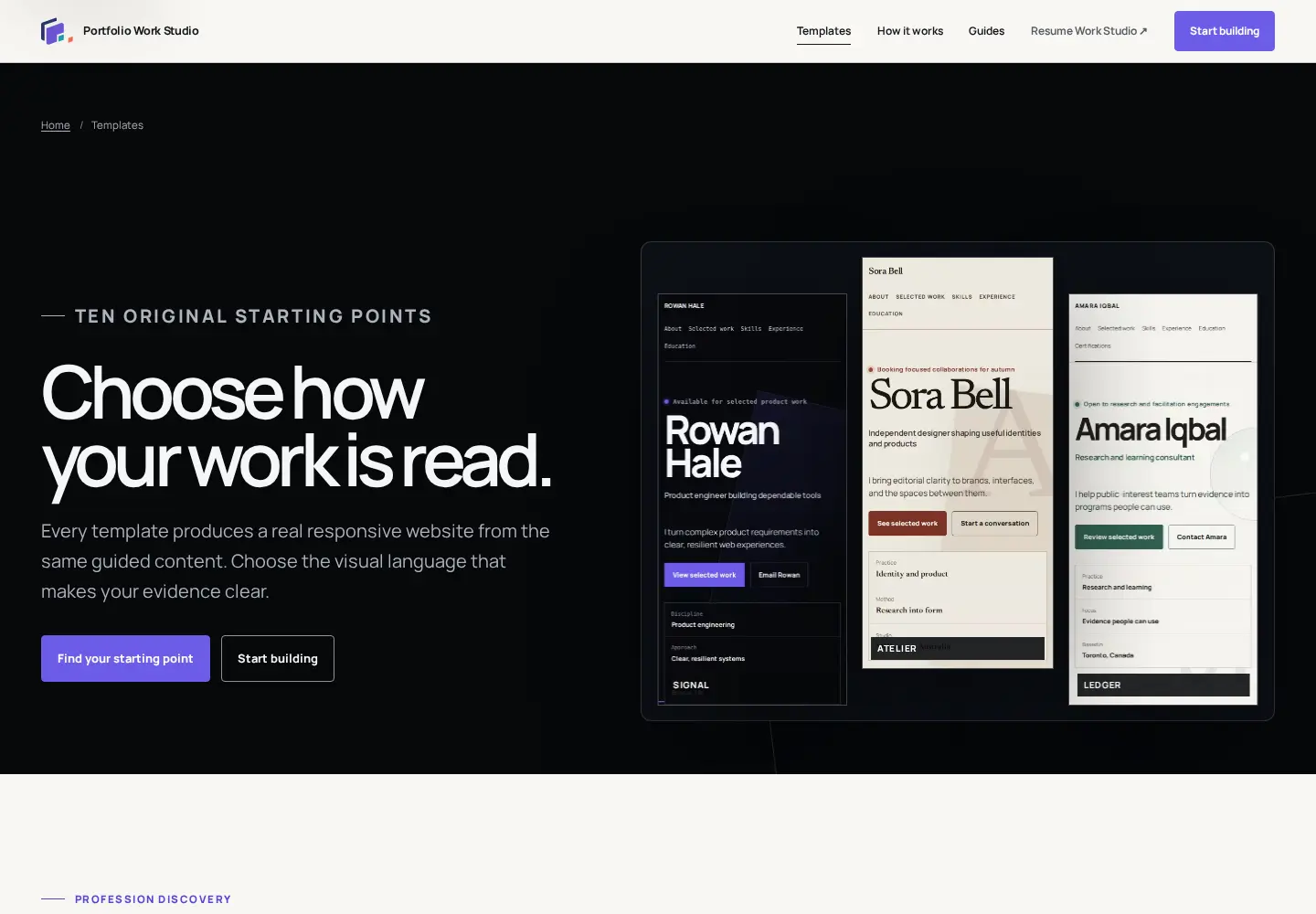
Compare the actual output and select the reading rhythm that fits the work.
Add your profile, projects, media, experience, and links with practical guidance.
Review Mobile, Tablet, and Desktop without changing the exported document.
Leave with a static website ZIP and a separate project backup for future editing.
Guided learning
A strong layout helps. Practical judgment about selection, contribution, constraints, and outcomes does the rest.
A related studio
Resume Work Studio helps prepare the document. Portfolio Work Studio helps present the work online.
Visit Resume Work StudioAn honest product path
Only the Free plan exists today. Pro and Studio describe possible directions, not purchasable products or promised timelines.
Available now
Build and download a complete portfolio locally.
Coming later
A possible future path for people who want hosted convenience.
Planned
A possible future workspace for freelancers and client work.
Current release facts
Clear answers about local storage, identity, export, publishing, and what is not available yet.
No. The current release opens directly in your browser and does not require an email address, password, or account.
Your active project and processed images are saved in this browser with IndexedDB. Clearing site data, private browsing, storage pressure, or losing the device can remove unbacked-up work, so download project backups regularly.
Yes. On small screens the builder gives Content, Design, Preview, and Export their own reachable workspaces instead of squeezing in the desktop layout.
A ZIP containing index.html, portfolio.css, the local images and site logo you use, favicon files, local fonts when needed, and deployment instructions. The site needs no Portfolio Work Studio, Astro, or React runtime.
You can use ordinary static hosting that accepts HTML, CSS, and local assets. Hosting setup, provider limits, and domain configuration remain your responsibility.
Yes. Your structured content moves between all ten published templates in the builder. Review the result after switching because each design emphasizes the same material differently.
The site logo identifies your portfolio in its header. The favicon is the small browser-tab icon. The profile image is your portrait or personal image inside the portfolio content.
No portfolio text, project images, profile image, site logo, or favicon is uploaded by the current builder. Supported files are checked and processed in your browser, then stored locally with the project.
They are not part of this release. They may be considered in a separately reviewed future phase; today you download the static site and choose where to host it.
A strong structure is ready
Choose a useful starting point, shape it into your own, and leave with a website you control.