How to build a portfolio
Choose a goal, select useful work, and review the result before publishing.
Read the guideFrom starting point to static site
Build locally, review the actual output, and leave with files you control. The current release needs no account or backend.
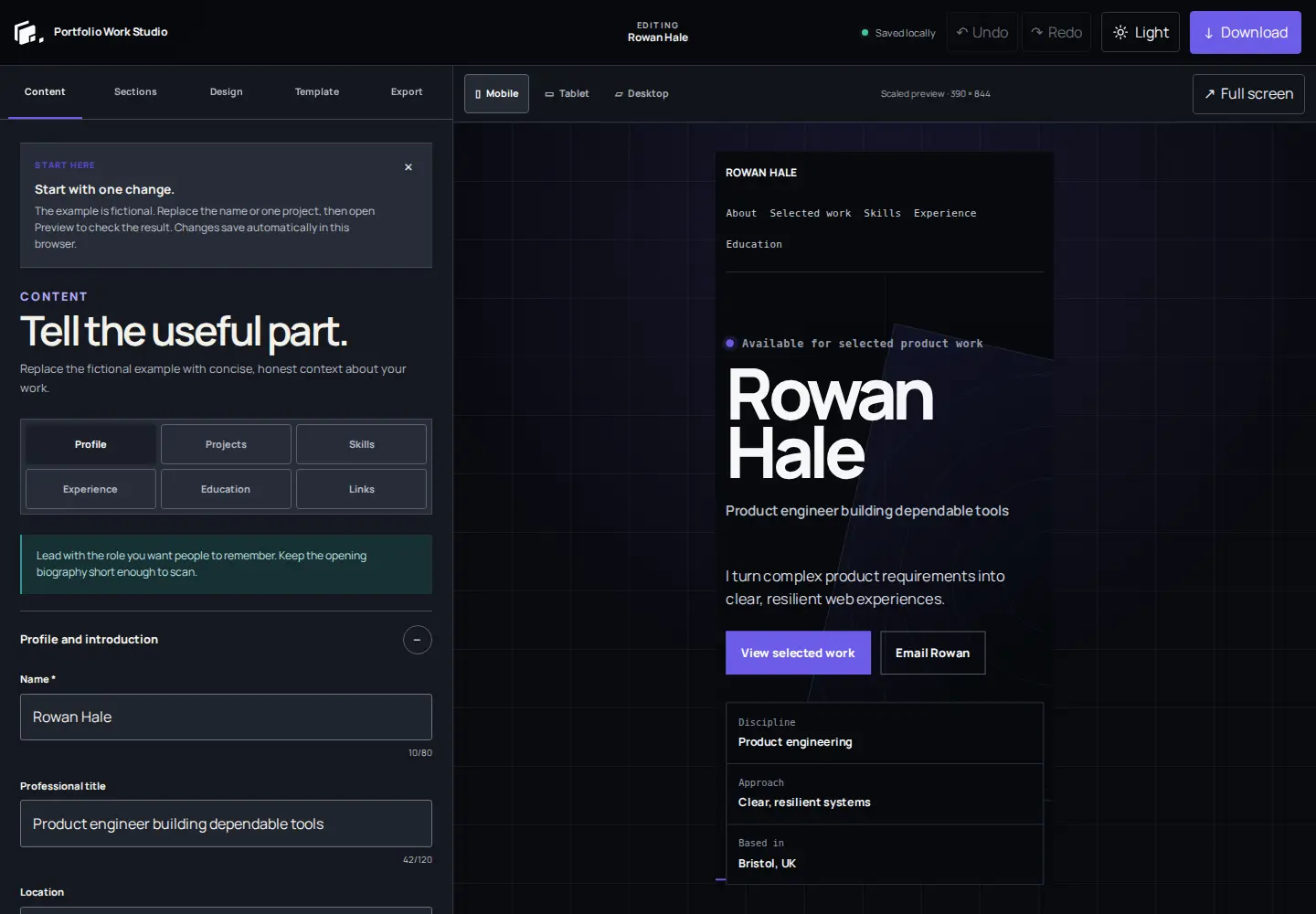
Six practical steps
Each step reflects current product behavior. Hosted publishing and custom domains are not implied.
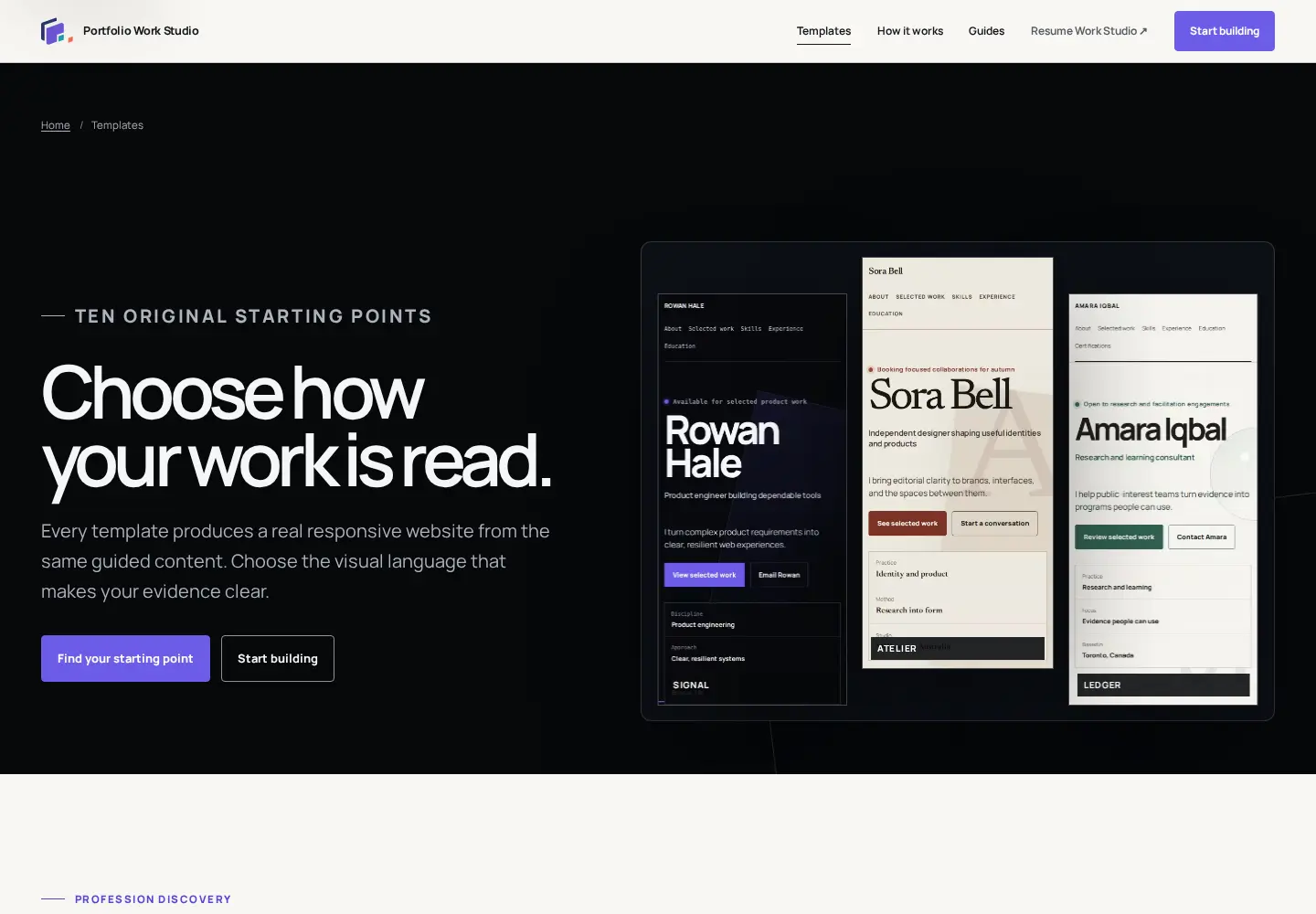
Compare all ten real outputs by profession and presentation style. The template changes the reading rhythm, not the content model.
Start with your name, role, short introduction, and the few projects most relevant to the opportunity you want.
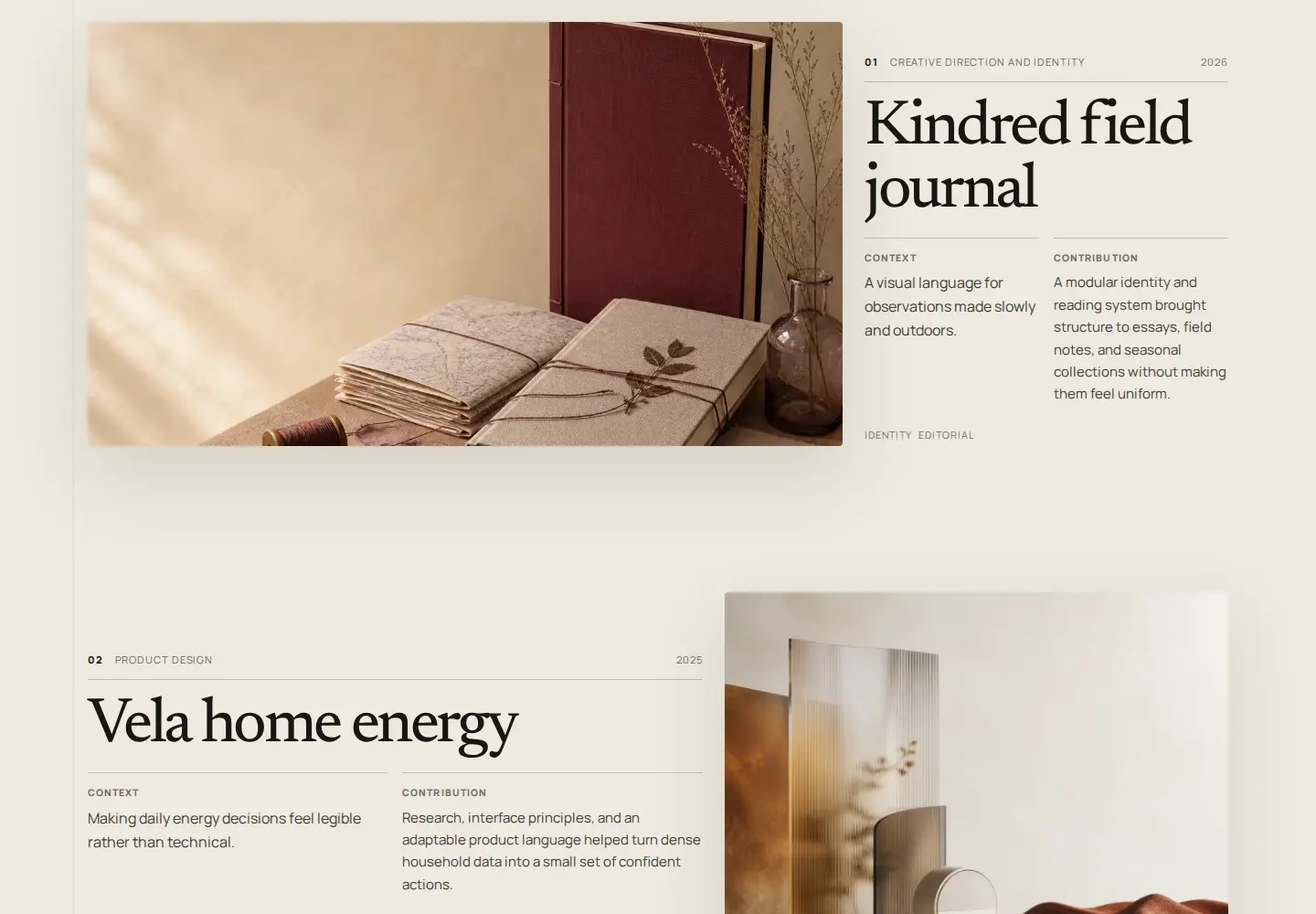
Describe the context, contribution, and supported result. Project images, profile portraits, site logos, and favicons are processed in the browser.
Choose tested typography, image fit and position, project layout, navigation, footer, contact treatment, and site-identity display.
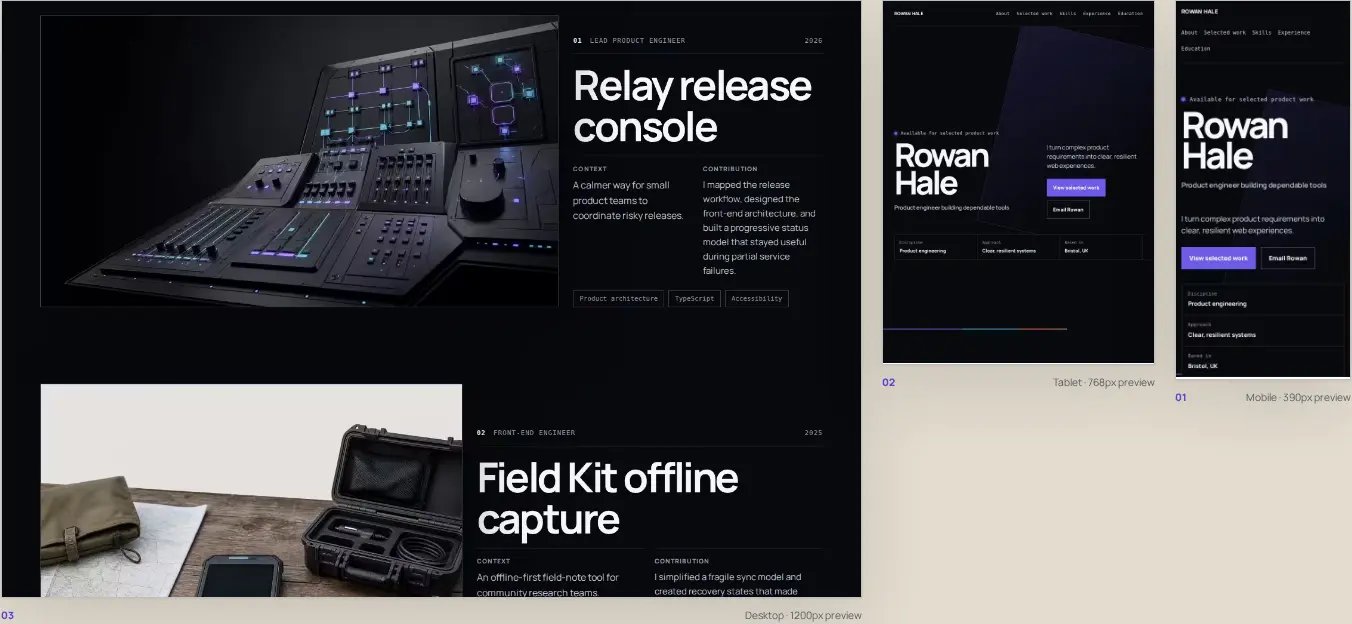
Use the three canonical preview widths before download. Wider previews keep their real width and scale only the visual stage when space is tight.
The website ZIP is ready for ordinary static hosting. The separate project backup restores structured content and canonical local media for future editing.
Two downloads, two jobs
Export without lock-in
Upload the website files to a static host that accepts ordinary HTML, CSS, and local assets. Provider setup, domains, and hosting limits remain your responsibility.
Keep the project backup somewhere separate from browser storage.
Practical help
Use the guides when project selection or case-study writing is the harder part.
Begin with real output
Start with fictional demo content, replace it deliberately, and download only when the portfolio reads well on every screen.