Field guideHow to choose images for a UX or design case study
Guide
How to choose images for a UX or design case study
Choose images by their job, separate evidence from decoration, and plan useful crops.
ExploreSix tactile paper, ink, fold, and registration studies for visual portfolios.

About the pack
Editorial Assemblies brings physical texture and decisive composition to covers, dividers, and presentations. Its marks are nonsemantic; none of the images represents a real publication, campaign, or client proof.
Approved master gallery
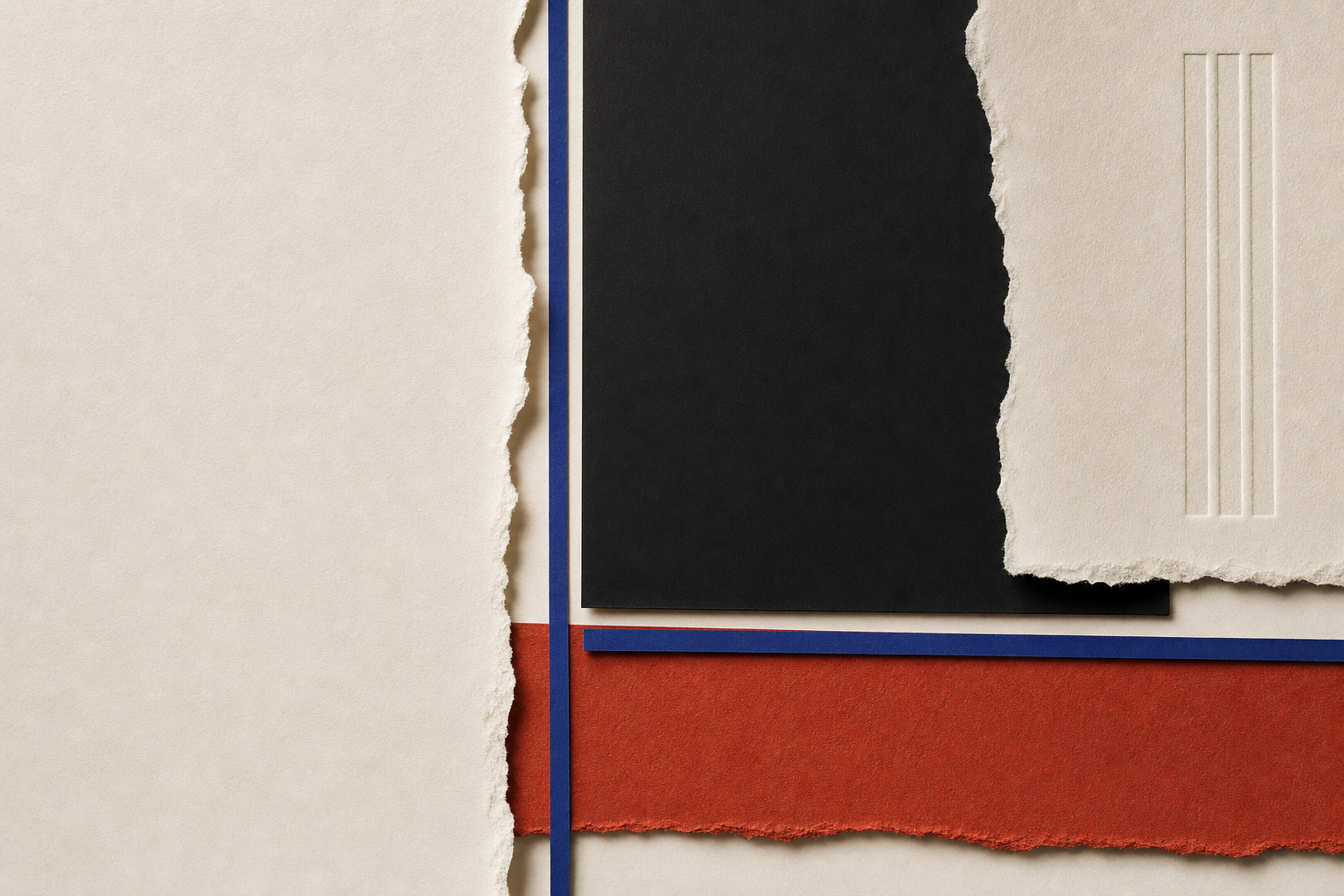
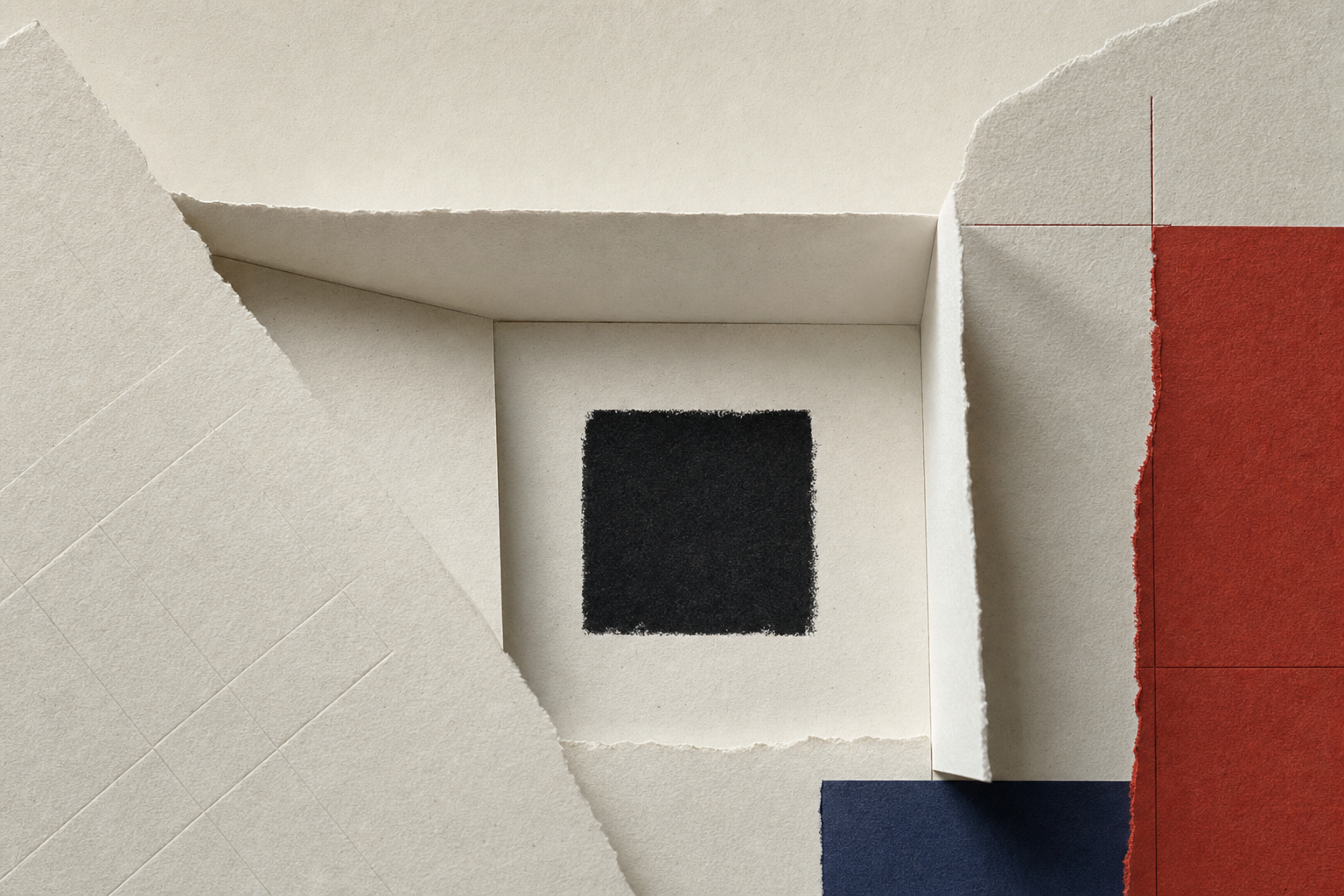
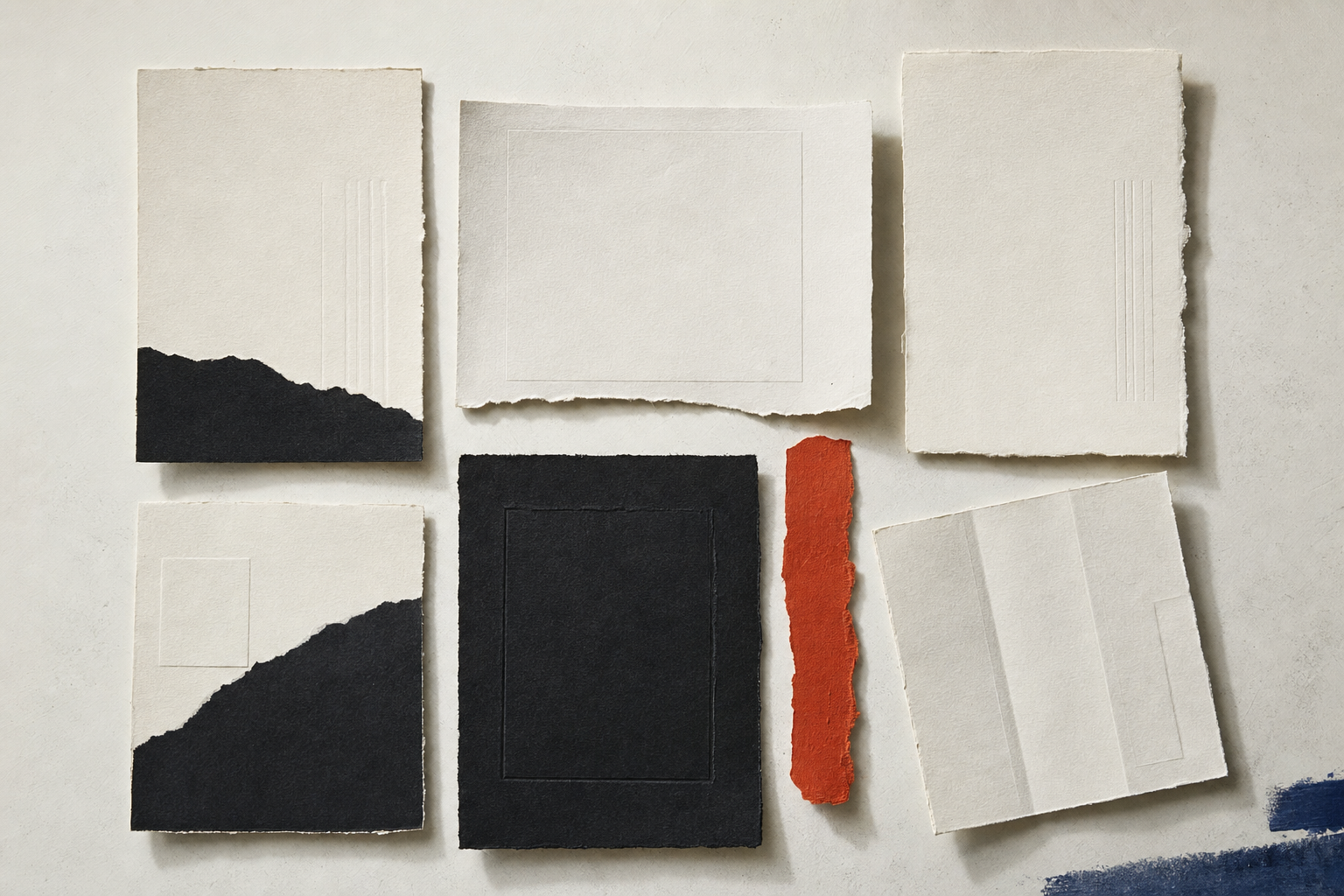
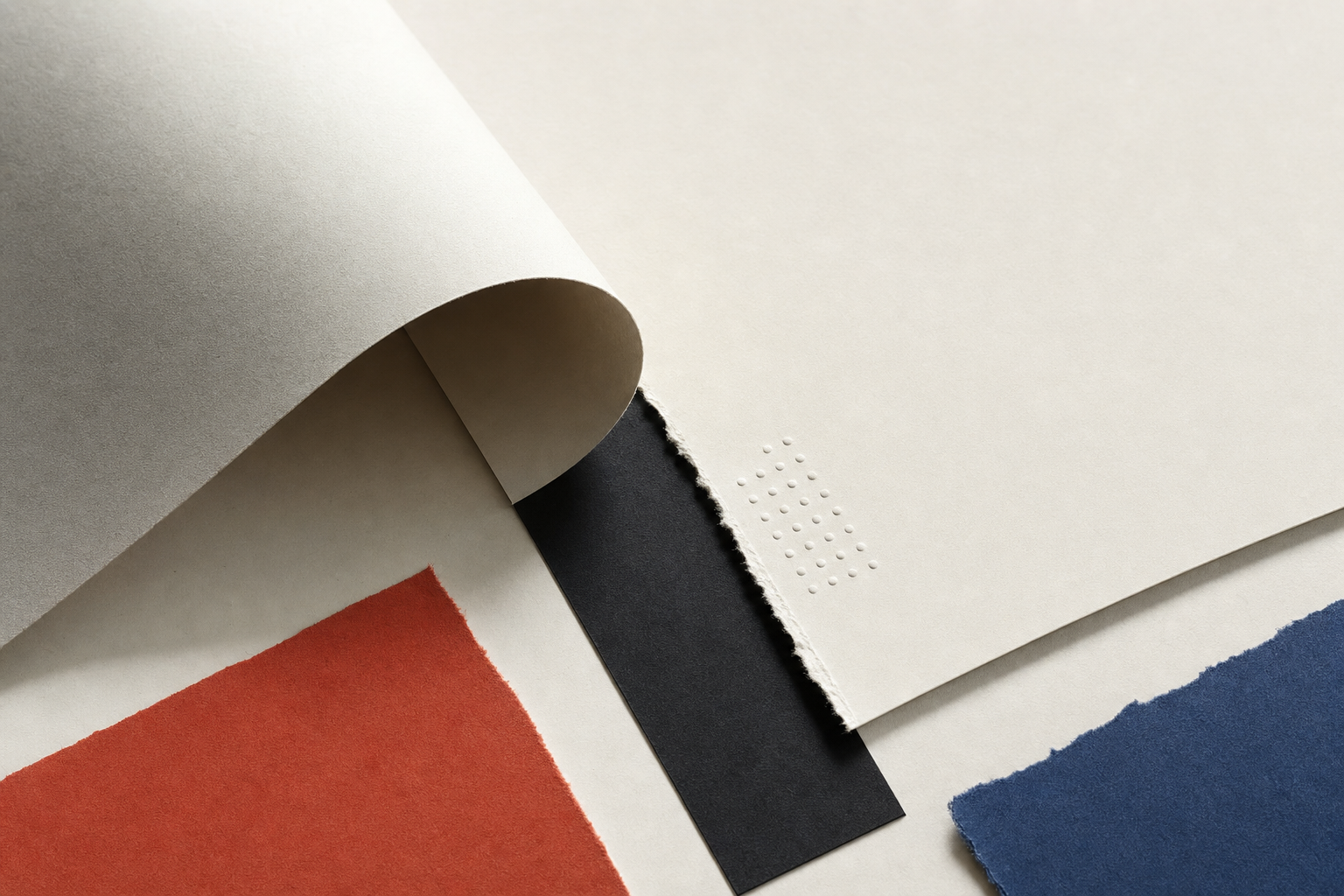
These lightweight previews represent the approved 1536 × 1024 masters in the download. No unreviewed candidates appear here.


Approved crops
Each master has an intentional square and portrait/mobile crop. These are recorded decisions tied to the source—not one automatic center crop used everywhere.
Describe the paper, fold, ink, and light arrangement if it supports the surrounding point. Do not call any image a real proof, publication, campaign, or client deliverable.


Use these visuals as decorative editorial material, placeholders, backgrounds, or presentation support. Do not imply that they document a real campaign, publication, moodboard, client proof, or design process.
Misleading portfolio claims can damage credibility and may create separate professional or legal concerns. This guidance does not narrow or revoke the CC0 dedication.
AI and provenance
AI-generated and human-curated by Portfolio Work Studio; one local visual artifact was manually repaired during curation.
The private record preserves generation and review evidence. The public projection omits prompts, discarded candidate IDs, account details, internal costs, and review notes.
Source-quality downloads
The package contains the high-quality reviewed PNG source for each study. The page gallery deliberately serves smaller web formats instead.
Default package
One deterministic ZIP with the approved files, a public manifest, CC0 notice, provenance disclosure, and SHA-256 checksums.
15.3 MB · 47 package members
158ad3b56f13488fa4a7dd59232594025ed30c76836a85de130933d87f6520f8Template compatibility
Compatibility is editorial guidance, not a locked pairing. Downloaded files work independently of Portfolio Work Studio.
Related resources
Chosen for a real relationship: companion geometry, compatible visual material, or practical guidance.
Choose images by their job, separate evidence from decoration, and plan useful crops.
ExploreA calm editorial starter mark with opposing margin forms and a central proof bar.
ExploreSix restrained paper, shadow, veil, and material backgrounds with useful quiet space.
Explore